
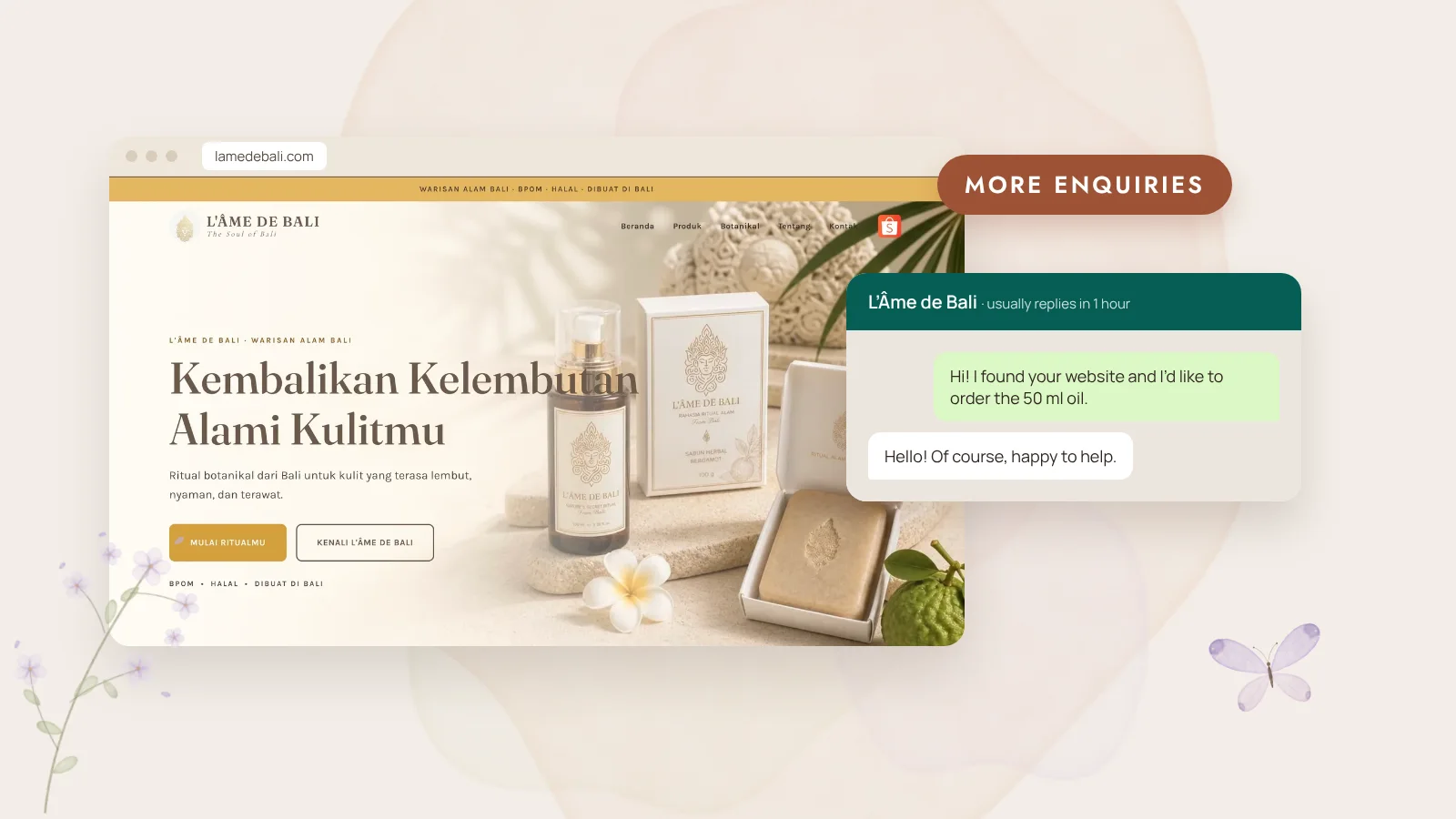
Contact forms still have their place, but many people would rather send a quick WhatsApp message than fill in a form and wait for an email. If your customers are in Indonesia, or travelling here, making WhatsApp easy can noticeably increase how many enquiries you get.
01Put it where people decide
A single WhatsApp link hidden in the footer isn’t enough. Place it where visitors make up their minds:
- A floating button in the corner on mobile, always within thumb reach.
- Next to prices, packages or room details.
- At the end of each important page, as a calm next step.
02Start the conversation for them
A WhatsApp link can include a ready-written first message. Instead of a blank chat, visitors see something like “Hi, I found your website and I’d like to ask about the family villa in August.” It removes the awkward first line and tells you where they came from.
03Set expectations
Add a short line near the button: “I usually reply within a few hours, Bali time.” It reassures people that a real person will answer. Then make sure someone does. A quick, friendly reply is half the sale.
04Measure it
With Google Analytics, every click on your WhatsApp button can be counted as an enquiry. After a month you’ll know which pages bring the most messages, and which might need a clearer offer. It takes about 15 minutes to set up and it’s the number I find most useful in monthly reports.
- A floating WhatsApp button on mobile
- A pre-filled first message for each page
- A reply-time promise next to the button
- Clicks tracked as enquiries in Google Analytics
- Saved quick replies in WhatsApp Business
—Small details, more conversations
Every website I build includes WhatsApp contact designed this way. If your current site gets visitors but few messages, it’s often one of the easiest things to improve. Send me a message and I’ll take a look.